
Uninvited direct sales and the 5 working days
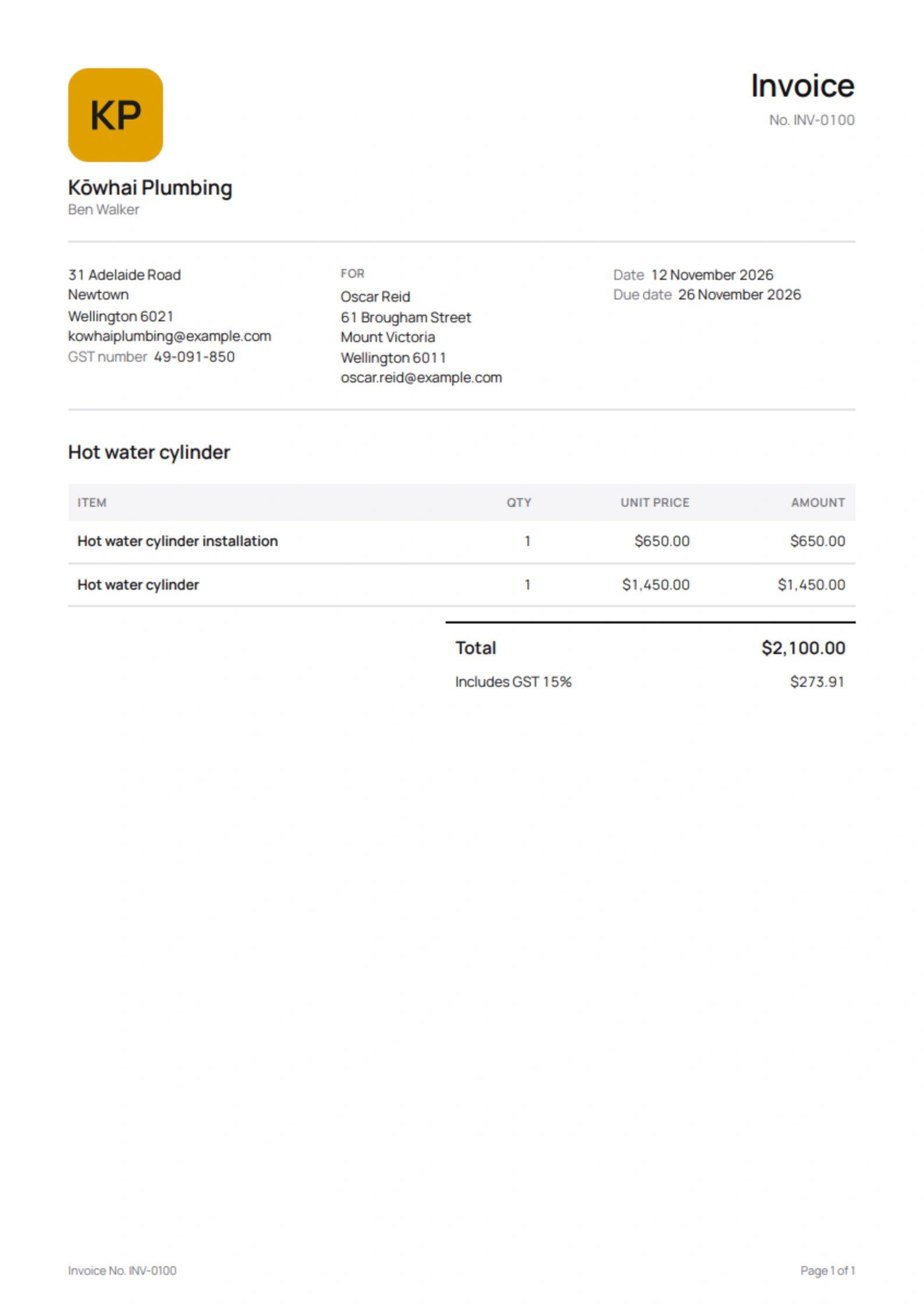
Most jobs start with the customer ringing you, and then none of this applies. When you start the sale, at their door or with a call you make, Quotebird adds the front page the Fair Trading Act asks for and keeps payment closed until the time to cancel has passed.
Coming soon to the App Store and Google Play.
When does a quote count as an uninvited direct sale?
When you started it, at the customer’s home or workplace or in a call you made, and it’s worth more than $100, or the price isn’t known yet because it’s an estimate. The quote asks Who got in touch first; if you don’t answer, Quotebird treats the sale as uninvited, the safer reading.
A customer who rang you gets a plain quote, and so does a business customer: the rules protect consumers.
What goes on the front page?
What you’ll supply, the total price with a line that any deposit is part of it, and the customer’s right to cancel: 5 working days after they get a copy, leaving out weekends, national public holidays and 25 December to 2 January. It says how to cancel, by phone, email, in writing or in person, using your details, and that you repay everything straight away if they do.
The Act prescribes no wording, so these words are ours, written from its sections. An estimate gets a version explaining how the final price is worked out, and a job that supplies goods adds a paragraph on collecting them.
A toilet swap in Berhampore
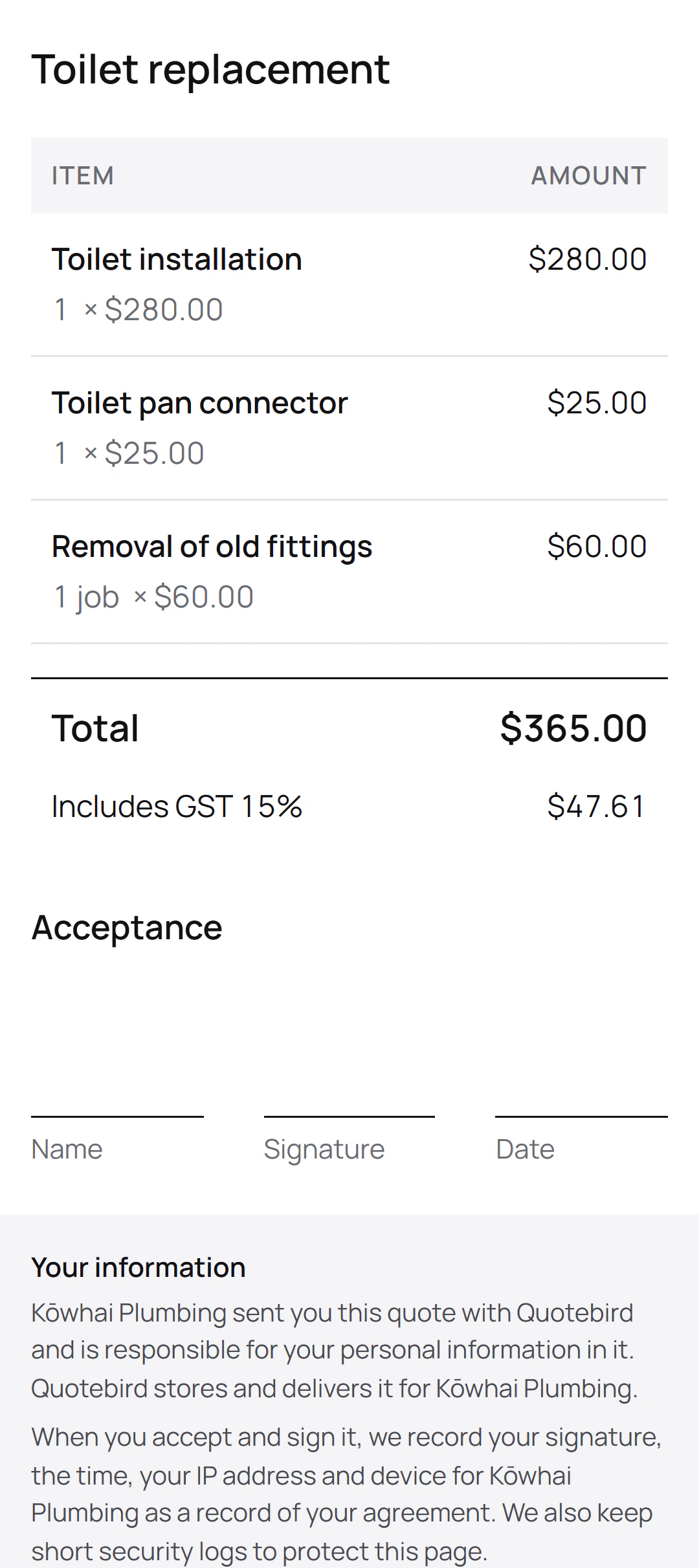
Ben Walker is the Wellington plumber in this site’s screenshots, a demo business we set up for them. Rachel Kim rang him about her toilet, and after a look at the job he quoted $365, GST included, with nothing to pay up front.
What the quote asked
- Met at the property: Yes
- Who got in touch first: The customer
- Property: Their own home
What that meant
- Rachel invited Ben, so it isn’t an uninvited direct sale
- No front page and no hold on payment
- No note to tell her out loud about cancelling
Had Ben knocked on her door
- The front page, with the 5 working days to cancel
- Payment held until they’d passed
- Tell them they can cancel, under Before you send
The quote went out as a plain quote. The same job started with Ben’s own call would have printed the front page and waited out the 5 working days, without him changing a line.
Can I take payment in the 5 working days?
Not through the link. Quotebird holds online payment until the period has passed, counting working days the way the law does, then opens it by itself and emails the customer the link. You see the date under Payments.
What else does Quotebird remind me about?
Two notes under Before you send. Tell them they can cancel: the law asks you to say it out loud before the customer agrees, not only print it. Add the customer’s name and address: the front page gives both. Neither stops you sending.
What about residential building work from $30,000?
The Building Act’s disclosure, checklist and written contract for residential building work from $30,000 including GST aren’t printed by Quotebird yet. On such a job, Before you send says Some texts aren’t printed yet. Add yours once under Your notices in Settings, as text or a PDF, and it prints on every quote for a consumer, marked as provided by you.
Questions
What if I don’t know who started it?
Leave the question and Quotebird treats the sale as uninvited: the front page prints and payment waits. Answer it, and only the sales you started carry the paperwork.
Does Quotebird limit my deposit?
It doesn’t lower it. Consumer Protection advises customers to pay no more than 10% as a deposit, so above that the quote warns you and leaves the amount as you set it.
Is this legal advice?
No. The texts come from official government sources and are checked against them, but they’re a convenience, not legal advice, and you remain responsible for the law that applies to your business. See our Terms of Use.
Step by step, with every button
Questions? Write to us at support@quotebird.app.