
Extras and changes on an agreed quote
Halfway through the bathroom, the customer asks you to look at the toilet as well. Quotebird puts the extra on its own numbered change order, priced from your price book with VAT, and the customer signs it before you start. The final invoice then picks it up.
Coming soon to the App Store and Google Play.
How are extras handled in Quotebird?
On a change order: a separate document for work added to an accepted quote, or taken off it. It names the quote, lists the extra work, and states the amount added or taken off, what that does to the payments and whether the finish date moves. Our server numbers it in its own series, CO-0001 onward, at the moment you send it.
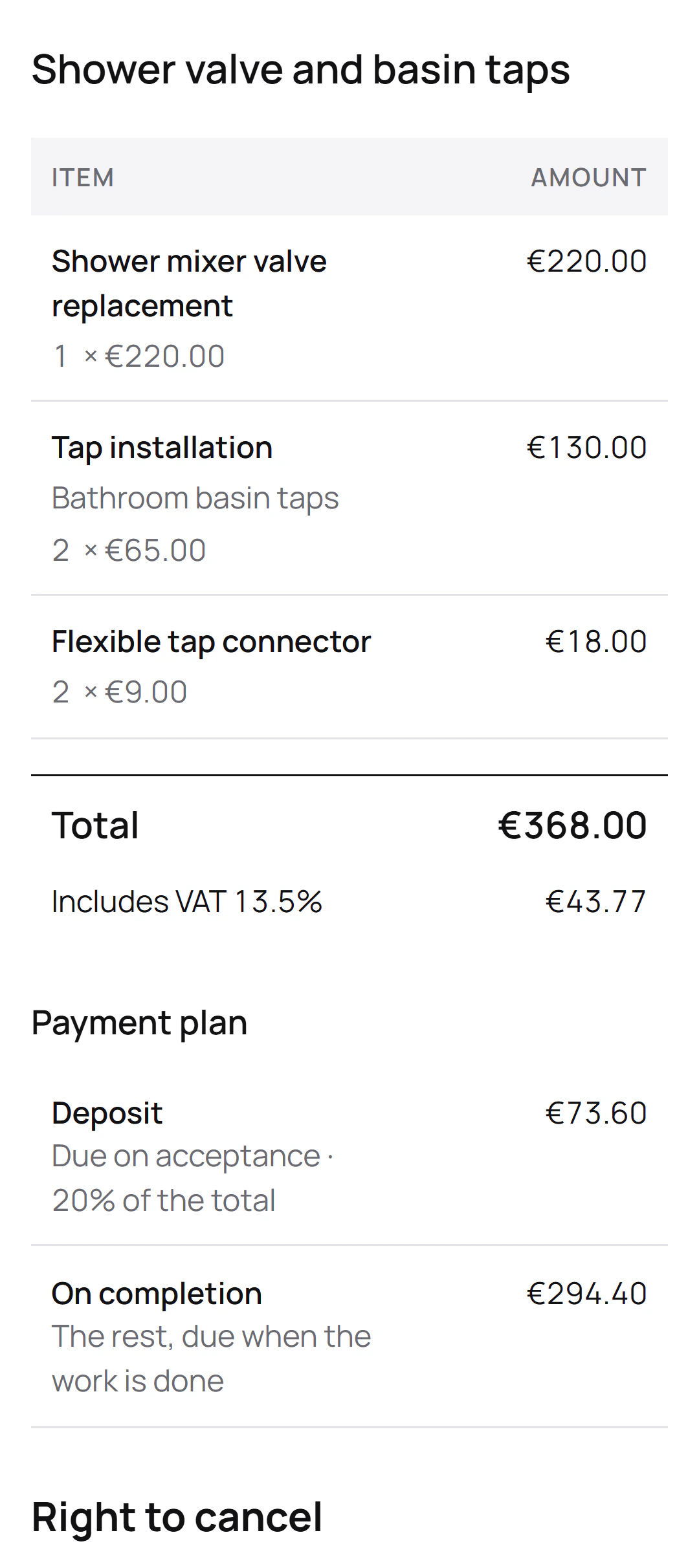
The agreed quote stays exactly as the customer signed it; each change order hangs off it in the app, showing where it’s at.
How do I add an extra?
Open the accepted quote, go to Change orders and tap New change order. Add items from your price book, each one either Adds work or Takes work off, and fill in New completion date only when the finish moves.
It’s priced on the quote’s own terms, so the VAT treatment, the currency and the customer all carry over. Then Sign and send: it goes out signed for your business, and the customer signs on the link or on your phone.
A running cistern, added to the bathroom job
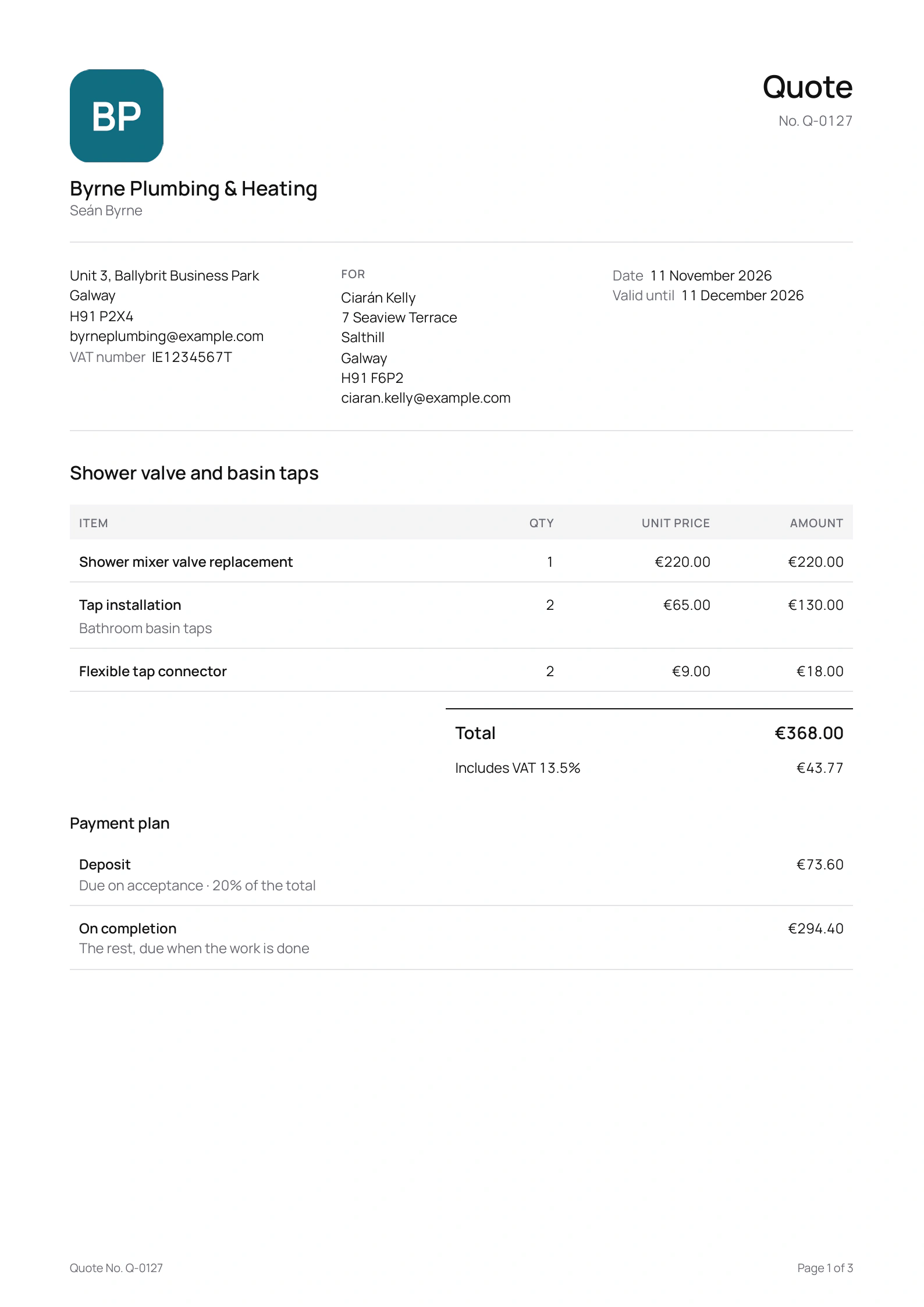
Seán Byrne is the Galway plumber in this site’s screenshots, a demo business we made for them. His accepted quote for Ciarán Kelly covers a new shower mixer valve and two basin taps, with a 20% deposit. Suppose that while he’s in the bathroom, Ciarán mentions the toilet:
“The cistern hasn’t stopped running in a week. Can you sort that while you’re here?”
On the change order
- Toilet repairThe cistern keeps running
- Cistern fill valve
What it states
- €113 added at Seán’s own prices, VAT included: €95 for the repair and €18 for the valve.
- The amount goes onto the payment due on completion; the deposit stays as agreed.
- No change to the finish date, as Seán left it empty.
Ciarán signs it on the link before Seán opens up the cistern, and both get the signed copy by email. When the job’s done, the final invoice carries the quote’s three lines and the two extras, each extra marked with the change order’s number.
How does the customer sign off on an extra?
The way they accepted the quote. On the link they give their name and email, sign with a finger or let their typed name do, and tap Accept and sign. If you’re standing in the kitchen together, pick Customer signs on this phone instead. A signed copy goes to each of you by email.
What happens to the money?
The deposit and any stage payments don’t move. The extra is added to the payment due on completion, or taken off it when work comes off, and the change order prints that payment before and after, with the contract price: the quote, each signed change and the new total. The quote then shows Contract price with changes.
What if the customer wants less done?
Mark the lines Takes work off; they print as “Removed”, with a minus amount. A change order can’t take off more than is left to pay on completion, though. Where the customer has paid for work that’s now off, issue a credit note to give it back.
Can I send more than one change order on a job?
Yes, one after another. Only one waits for the customer’s signature at a time, so send the next when they’ve signed. The final invoice holds while one is unsigned, and once it’s sent the job takes no more changes.
Questions
Is a change order the same as a variation?
It does the same job. Quotebird calls the document a change order wherever you work, and that’s the title your customer sees on it.
Can I fix a change order after sending it?
Yes, until the customer signs: revise it and it keeps its number. Once signed it’s kept as it is, and further extras go on a new change order.
Will the final invoice be a proper VAT invoice?
Yes, when you’re registered: it shows your VAT number, each line’s VAT rate and its price before VAT, with the change orders’ lines in among the quote’s.
Step by step, with every button
Questions? Write to us at support@quotebird.app.